
How Do You Fix a Vape Rechargeable Device That Won’t Hold a Charge?
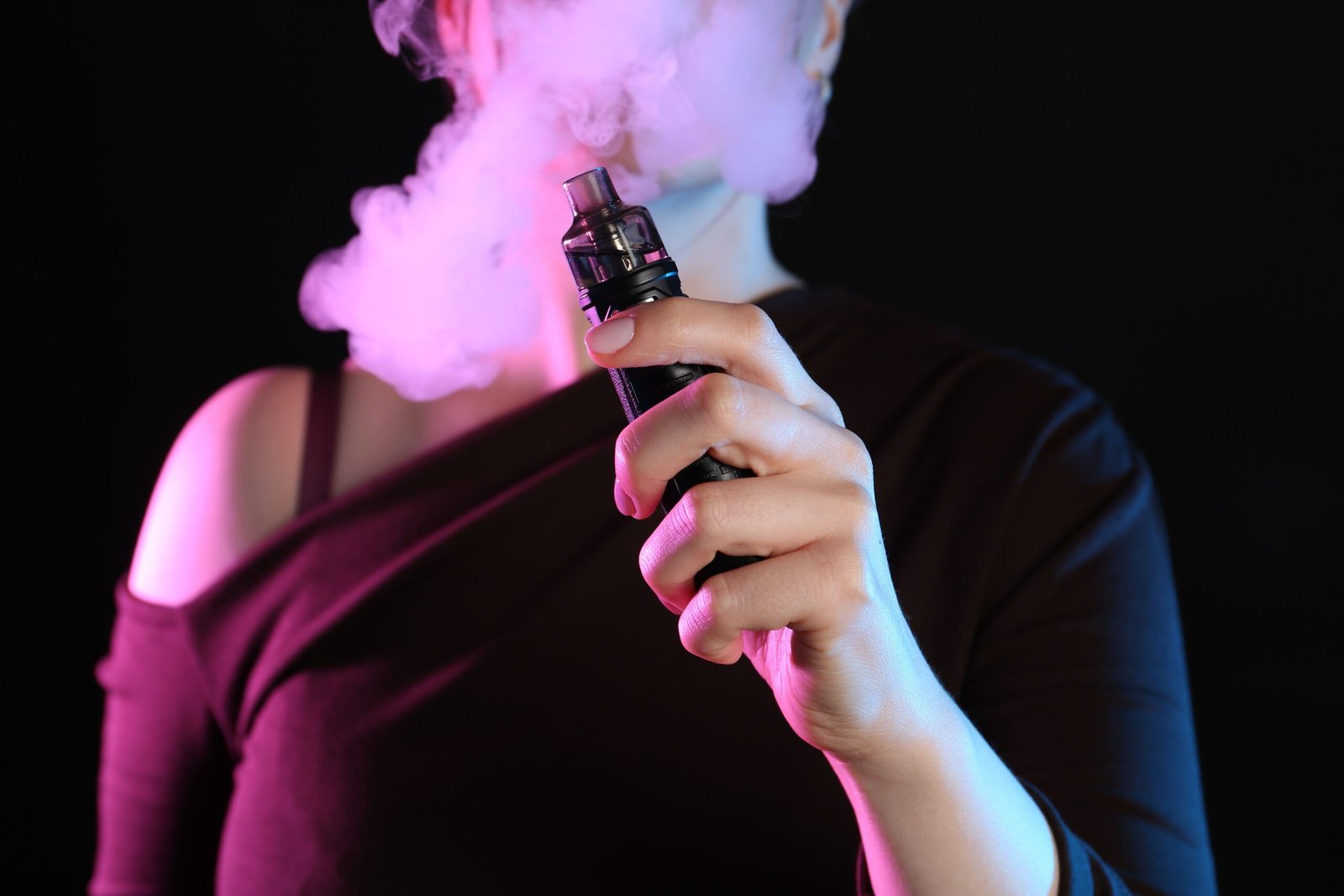
A vape rechargeable device is designed to provide consistent power through a built-in battery that can be recharged multiple times. When the device charges but quickly loses power or does not hold a charge for long, it can interrupt performance and create confusion for users. This issue is commonly searched by those using devices such as an icon bar vape, where battery reliability is essential for smooth operation.
Understanding how a vape rechargeable system stores and delivers power makes troubleshooting much easier. In most cases, the solution involves simple maintenance steps, correct charging practices, or identifying when a component has reached the end of its natural lifespan.
How a Vape Rechargeable Battery Works
Every vape rechargeable device uses a lithium-ion battery. These batteries are built for repeated charge cycles and are equipped with internal safety circuits. When functioning properly, the battery stores energy during charging and releases it evenly when the device is activated.
If the device does not hold a charge, the issue may relate to charging habits, connection points, environmental factors, or the battery’s cycle life.
1. Check the Charging Cable and Adapter
One of the most overlooked causes of a vape rechargeable device not holding a charge is inconsistent power delivery during charging.
Using incompatible or low-quality cables may allow the device to show a charging light without fully replenishing the battery capacity.
Steps to fix this issue:
- Use the original charging cable when possible
- Avoid high-speed charging adapters unless specified
- Plug into a standard wall outlet rather than a laptop USB port
- Inspect the cable for visible wear
Devices such as certain icon bar vape models perform best with stable and consistent charging input.
2. Clean the Charging Port
Dust, lint, or minor debris inside the charging port can prevent a vape rechargeable device from charging efficiently. Even small obstructions may reduce the connection quality between the cable and the battery terminal.
To clean the port:
- Power off the device
- Use a dry wooden toothpick or soft brush
- Avoid metal objects
- Gently remove visible debris
After cleaning, reconnect the charger and observe whether charging improves.
3. Avoid Overcharging and Deep Discharging
Lithium-ion batteries inside a vape rechargeable device perform best when charged before reaching extremely low levels and unplugged once fully charged.
Keeping the battery at 0% for extended periods or leaving it plugged in overnight repeatedly may reduce long-term battery retention.
Best practice includes:
- Charging when battery level is low but not completely drained
- Disconnecting once fully charged
- Avoiding continuous charging cycles
Following proper charging habits helps maintain battery efficiency.
4. Consider Temperature Conditions
Temperature plays a significant role in how a vape rechargeable battery performs. In colder climates, especially in Canada, battery efficiency may temporarily decrease.
If the device has been stored in a cold car or exposed to low temperatures:
- Allow it to return to room temperature
- Avoid charging immediately after exposure to cold
- Store the device indoors when not in use
Cold conditions can cause the battery to drain faster temporarily, which may appear as if it is not holding a charge.
5. Inspect the Pod or Coil Connection
In some cases, the issue may not be the battery itself. A vape rechargeable device that appears to lose charge quickly could be compensating for poor coil contact or internal resistance issues.
If the pod is not properly seated:
- Remove and reinstall the pod securely
- Clean contact points with a dry cotton swab
- Ensure alignment is correct
Devices like an icon bar vape rely on precise electrical connections between battery and pod for efficient power use.
6. Check for Battery Protection Mode
Modern vape rechargeable devices include safety systems that limit power output when irregularities are detected. If the device senses overheating or a temporary short circuit, it may reduce performance to preserve battery integrity.
To reset:
- Remove the pod
- Power off the device if possible
- Let it rest for 10–15 minutes
- Reassemble and test
This simple reset often restores normal function.
7. Understand Battery Life Cycle
Every lithium-ion battery has a limited number of charge cycles. A vape rechargeable device used frequently over time will naturally experience gradual battery capacity reduction.
If the device has been in use for many months and troubleshooting steps do not improve performance, it may have reached the end of its battery cycle life.
Signs of natural battery aging include:
- Shorter usage time after full charge
- Faster power drop than usual
- Consistent need for recharging
In this case, replacing the device ensures continued reliability.
8. Charging Time and Indicators
Sometimes the device may appear fully charged but was unplugged too early. Allowing a vape rechargeable device to complete its full charging cycle ensures maximum capacity.
Observe:
- Charging indicator lights
- Recommended charging duration in the manual
- Stable power source during charging
Devices such as icon bar vape systems often have LED indicators that clearly signal full charge status.
Maintaining Long-Term Battery Health
To maximize the lifespan of a vape rechargeable device:
- Store at room temperature
- Keep charging ports clean
- Avoid dropping the device
- Use compatible charging accessories
- Charge before the battery fully depletes
Consistent maintenance supports reliable performance and long-term battery stability.
About Abc Vape
Abc Vape is a top Canadian online vape shop offering Vapes, E-Cigs, E-Liquids, Disposable devices, Pods, and Accessories. Customers can buy online with free delivery above $100 and access competitive pricing across leading brands such as Allo, Stlth, Rocky Vapor, Smok, and Oxbar. Abc Vape provides access to a wide range of vape rechargeable devices and related accessories for customers across Canada.
Conclusion
A vape rechargeable device that will not hold a charge often requires simple troubleshooting rather than replacement. Checking the charging cable, cleaning the port, maintaining proper charging habits, and considering environmental factors usually resolve the issue.
For users of devices such as an icon bar vape, understanding how lithium-ion batteries function helps ensure consistent performance. With correct maintenance and charging practices, a vape rechargeable system can deliver dependable and long-lasting power for everyday use.