
What Should You Check Before Moving a Freedom Mobile SIM Card Into a Repaired or Replacement Phone?
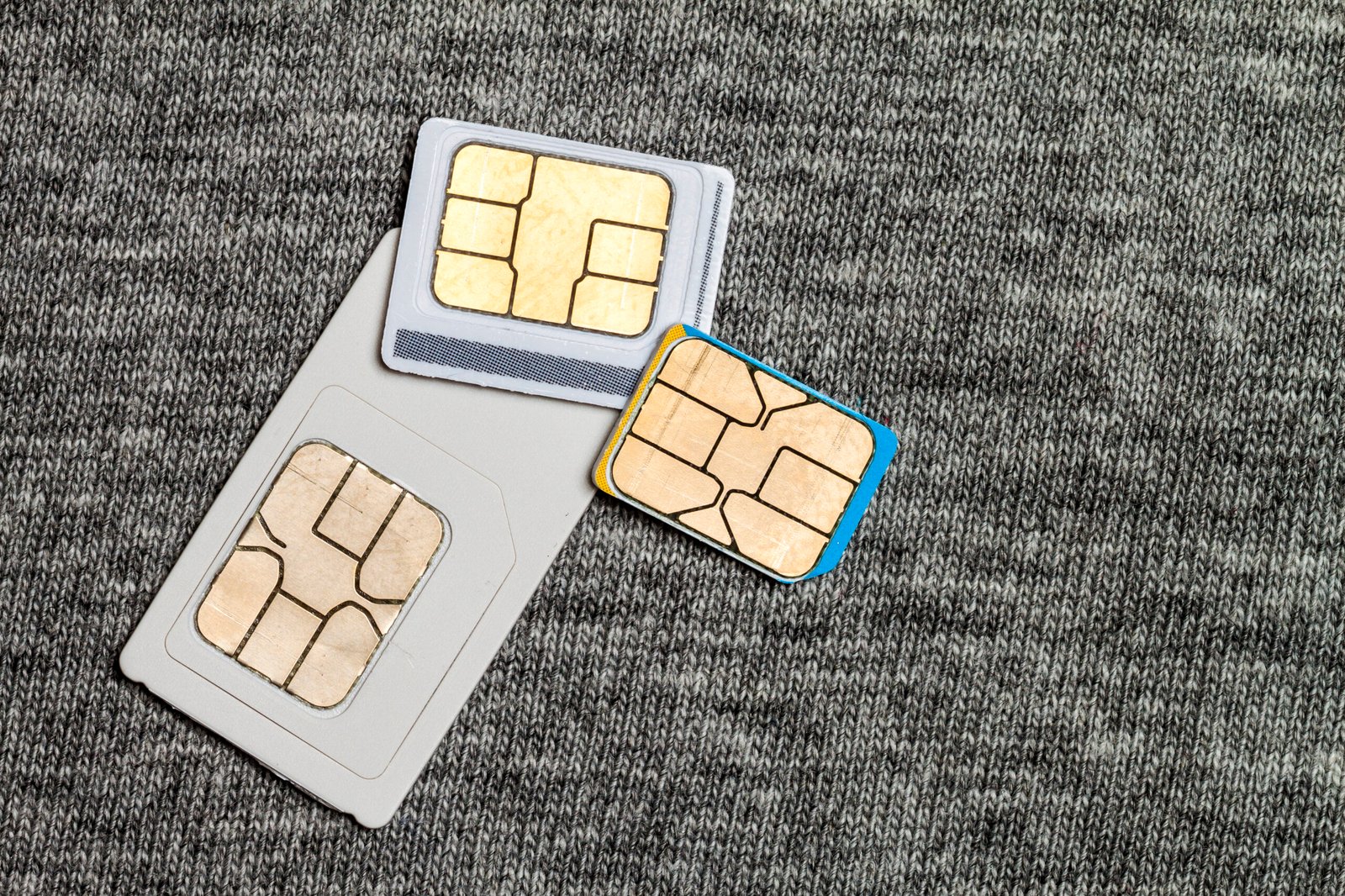
Moving a SIM card into a repaired or replacement smartphone can be a convenient way to restore calls, text messages, and mobile data. However, checking a few important details before transferring the SIM can help prevent activation issues, connectivity problems, and unexpected interruptions to service.
For customers using freedom mobile prepaid plans, the process involves more than simply inserting a SIM card. Device compatibility, account activation, network settings, saved information, and security features can all affect the experience. Whether a smartphone has received a screen repair, charging port replacement, or a complete device replacement, a few simple checks can help ensure a smooth transition.
1. Confirm That the Replacement Phone Is Compatible
The first step is to confirm that the repaired or replacement phone supports Freedom Mobile’s network requirements. Smartphones differ in their supported cellular frequency bands, network technologies, and regional hardware configurations.
Find the phone’s exact model number in its settings or manufacturer documentation. Then review Freedom Mobile’s current device compatibility requirements, including support for the relevant LTE and 5G bands and voice calling features.
Compatibility is particularly important when using a phone purchased internationally or a refurbished device. A smartphone may support mobile data while requiring additional checks for voice services, including Voice over LTE (VoLTE).
Customers choosing freedom mobile prepaid plans should verify compatibility before moving the SIM card. This helps establish whether the device is ready to use the existing mobile service.
2. Check Whether the Phone Is Unlocked
A replacement phone should be able to accept the SIM card associated with the existing carrier account. Device locking policies and restrictions may affect whether a SIM from a particular provider works correctly.
If the phone was purchased through another carrier, ask the seller or original provider to confirm its unlock status. For a used or refurbished phone, request confirmation that it is ready for use with Freedom Mobile.
Insert the SIM only after checking the device’s compatibility and unlock status. If a message requests a network unlock code, contact the relevant provider or seller for assistance.
An unlocked, compatible smartphone gives users greater flexibility when transferring an existing mobile service to another device.
3. Verify the SIM Card’s Physical Condition
Before inserting a physical SIM, inspect it for visible damage, dirt, or unusual wear. A SIM card that has been handled frequently during repairs or device changes may need careful cleaning or replacement.
Hold the SIM by its edges and check that the gold contacts are clean and intact. If necessary, gently wipe the contacts with a clean, dry, lint-free cloth.
Make sure the SIM size matches the replacement phone’s tray. Most modern smartphones use nano-SIM cards, although requirements vary by model. Never force a SIM into the tray, as incorrect positioning may damage the card or device.
For customers using freedom mobile prepaid plans, a damaged or incorrectly positioned SIM can interfere with network registration. If the card appears damaged or the phone does not recognise it, contact Freedom Mobile to discuss a replacement SIM.
4. Confirm That the Prepaid Account Is Active
A SIM card is linked to a mobile account, so its service status should be checked before transferring it. Confirm that the prepaid plan remains active and that the required payment or renewal has been processed.
If the original phone was lost, stolen, or replaced following significant damage, check whether the SIM was suspended for security reasons. A replacement device may require the carrier to restore or verify the account’s service.
Customers using freedom mobile prepaid plans should also confirm that their existing phone number and plan details remain associated with the correct SIM. Contacting customer support can help clarify any activation or account provisioning requirements.
5. Back Up Important Information Before the Transfer
A SIM card primarily stores subscriber identification information and, on some older devices, limited contact information. Photos, applications, messages, passwords, and most modern contacts are generally stored on the phone or synchronised through a cloud account.
Before moving to a replacement phone, check that important data is backed up. Depending on the device, this may include:
- Contacts and calendars
- Photos and videos
- Messages and call history
- Authentication applications and recovery codes
- Banking applications and other essential accounts
- Documents and downloaded files
For iPhones, review iCloud backup and synchronisation settings. For Android phones, check the Google backup options and any manufacturer-specific transfer tools.
A complete backup helps preserve personal information if the original phone is still accessible before or after repair.
6. Review eSIM and Dual-SIM Settings
Some newer smartphones use an eSIM, a digital SIM profile, instead of a removable physical card. Other models support both a physical SIM and an eSIM.
If the existing Freedom Mobile service uses an eSIM, transferring service may involve an approved transfer procedure or assistance from the carrier. An eSIM profile should not be deleted from the original phone until the transfer requirements are understood.
For dual-SIM devices, confirm that the Freedom Mobile line is enabled and selected for outgoing calls or mobile data as needed. The preferred line may be configured separately for calls, messages, and internet access.
Understanding these settings can help customers restore their service efficiently when moving between compatible devices.
7. Test Calls, Text Messages, and Mobile Data
After inserting the SIM and turning on the phone, allow time for the device to register with the cellular network. Check that the network name and signal indicator appear.
Then test each service separately:
- Make an outgoing call to a familiar number.
- Ask someone to call the transferred number.
- Send a text message.
- Turn off Wi-Fi and open a webpage using mobile data.
- Check whether the phone displays any activation or network error messages.
If a service does not work, restart the phone and review the network settings. Confirm that automatic network selection is enabled where appropriate and that the device’s software is up to date.
For freedom mobile prepaid plans, these checks help identify whether the issue relates to SIM recognition, account activation, voice compatibility, or mobile network configuration.
8. Protect the Phone and Its Accounts
A repaired or replacement phone should be secured before it becomes the primary device. Set a strong screen lock, enable biometric authentication where available, and install current software updates.
Review the device’s location and recovery features, particularly if the previous phone was lost or stolen. Sign out of accounts on a device that has been permanently replaced, where appropriate, and protect authentication methods used for financial or personal services.
If the phone was repaired, check that essential functions such as the SIM tray, microphone, speaker, and charging port operate properly. These checks can help identify repair-related concerns early.
About Max Mobile and Gifts
Max Mobile and Gifts provides professional cell phone repair and iPhone repair services in Vancouver, Canada. The business also offers fob copying, key cutting, passport and PR photo services, mobile accessories, photocopying and printing, watch battery replacement, luggage, hip hop jewellery, perfume, and cologne. These services support a variety of everyday technology and personal needs.
Conclusion
Before moving a Freedom Mobile SIM card into a repaired or replacement phone, check device compatibility, unlock status, SIM condition, account activation, and network settings. Backing up important information and testing calls, messages, and mobile data can further reduce disruption. Customers using freedom mobile prepaid plans can follow these steps to make the transfer more straightforward and identify any remaining issues before relying on the replacement device for everyday communication.